Key points at a glance
- Opening hours, the menu and a reservation or order button belong right at the top: they are the three most common reasons guests open your website.
- A menu as HTML text instead of a PDF loads faster on phones, can be read by Google and makes allergens and prices easy to keep up to date.
- Address, map, parking and public transport save your team phone calls. Real photos of dishes and rooms sell better than any stock photo.
- Events, parties, gift vouchers and a careers page bring extra revenue and applications, yet they are often missing.
- A legal notice (Impressum) and a privacy policy are mandatory; English and other languages pay off wherever tourists eat out.
This post is general information and does not replace legal or tax advice. Rules change and some differ between federal states: check the details with your chamber of commerce (WKO) or IHK, the competent authority or your tax adviser.
What guests look for in the first few seconds
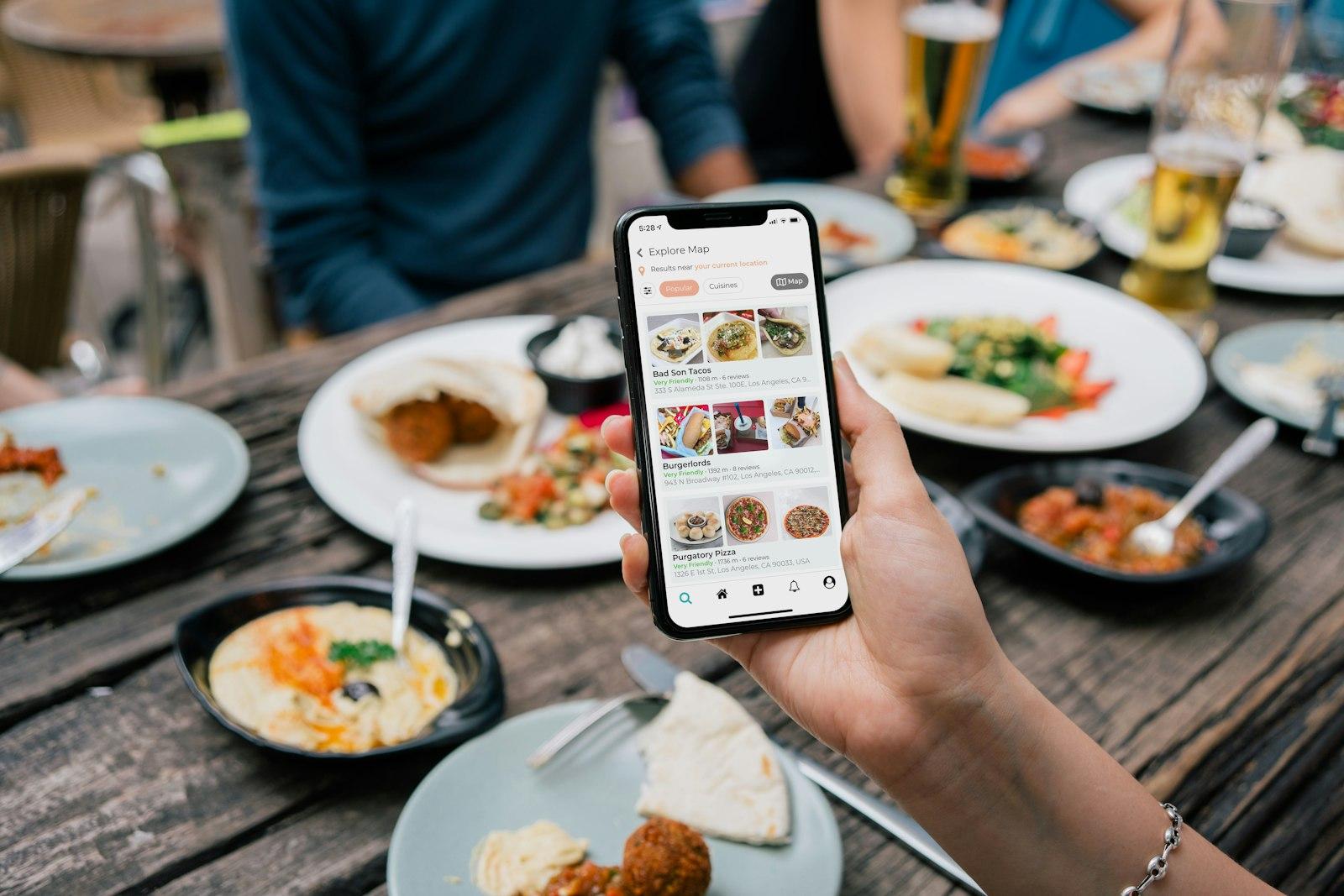
A website for a restaurant, a café or a bar is read differently from a tax adviser's site. Guests mostly arrive on a phone, often straight from Google Maps, and they want to make a decision: go there, call, book, order or keep looking. Hardly anyone reads a long welcome text about the philosophy of the house at that point. What matters more is that the answers to the obvious questions are visible without scrolling.
The order on your home page should therefore follow the order of those questions. The overview below shows the 13 pieces of content a hospitality website needs and what each one is for. Not every venue needs all of them equally prominent: an Imbiss or street food stand lives on ordering and opening hours, a hotel on rooms and booking, a Heuriger (an Austrian wine tavern) on the dates it is open.
| Content | Why guests need it | Where it belongs |
|---|---|---|
| Opening hours with live status | “Are you open right now?” | Home page, right at the top |
| Menu as text | Choice, prices, dietary needs | Own page, linked in the menu bar |
| Allergens and prices | Safety, transparency | Directly in the menu |
| Book or order | Secure a table, pick up food | Fixed button on every page |
| Address, map, parking, public transport | Finding you | Home page and contact |
| Photos of dishes and rooms | An impression of the venue | Home page, gallery |
| Events and dates | A reason to come | Own page or section |
| Groups and parties | Christmas party, birthday, wedding | Own page with a contact for enquiries |
| Gift vouchers | Presents, extra revenue | Section with how to buy them |
| Careers page | Applications | Own page, linked in the footer |
| Legal notice (Impressum) | Mandatory details | Footer, on every page |
| Privacy policy | Mandatory information | Footer, on every page |
| More languages | Tourists, guests from abroad | Language switch in the header |
Opening hours, address and directions
Opening hours are the most searched content on any hospitality website. A live status (“Open now, kitchen until 10 pm”) answers the question before guests have to read the table. The details that keep coming up on the phone matter too: From when is hot food served? Is there a day off? When are you closed for holidays? Do different hours apply on public holidays?
Keep your hours the same everywhere: on the website, in your Google Business Profile, on Tripadvisor and on the door. Contradictions cost trust and, at worst, a guest standing in front of a locked door. Our opening hours generator formats your hours consistently and creates a matching Google post for public holidays. How to maintain special opening hours in your profile is explained in the guide to the Google Business Profile.
- Address as text, not only as an image, so phones can pass it straight to navigation.
- Map and route: a button that opens Google Maps or Apple Maps is often enough. An embedded map should only load after consent.
- Parking: own car park, nearby garage, short-stay zone, charging point.
- Public transport: nearest stop with line and walking time.
- Accessibility: step-free entrance, accessible toilet, room for a wheelchair or pram.
- Phone number as a link, so a single tap is enough to call.
Menu, allergens and prices
The menu is the second big reason people visit your website. Many venues upload a PDF for it, which is tiny on a phone, loads slowly and is poorly read by Google. A menu as HTML text works better: dishes, descriptions, prices and allergens sit directly on the page, adapt to any screen and can be changed quickly. Why this makes such a difference for guests and search engines is explained in the guide to the digital menu.
For allergens, Austria and Germany share the same EU basis, the Food Information Regulation (LMIV, the German abbreviation of Regulation (EU) No 1169/2011), with different national implementing rules. Which form of labelling is allowed in your country is covered in the country editions for Austria and Germany. Prices have rules too, such as final prices including VAT and a price list at the entrance; details are in the guides to price display for Austria and Germany.
Book, order, call: the one button
Every hospitality website needs one clear main action. For a restaurant that is usually “Book a table”, for an Imbiss “Order now”, for a hotel “Book a room”, for a bar perhaps “Call”. This button should be visible on every page, on phones ideally fixed to the bottom of the screen. Behind it sits your reservation system, a form, your ordering shop, a delivery platform or simply your phone number.
Which route suits your venue depends on its size, how busy it is and your no-show rate. The pros and cons of the phone, your own form and systems such as OpenTable, TheFork, resmio or aleno are compared in the guide to online reservations. If you offer takeaway or delivery, the post Delivery platforms or your own ordering shop sets out a strategy that keeps commissions and customer data in view.
How to get it right
- One clear main button that looks the same on every page
- The phone number as a link as well, for guests who prefer to call
- A note on the group size from which you would rather talk in person
- The same links on the website and in the Google profile
Better not
- Three different booking routes that contradict each other
- A contact form as the only way to request a table
- An order button that leads to a platform with higher prices, without saying so
- Links to services you no longer use
Photos of dishes and rooms
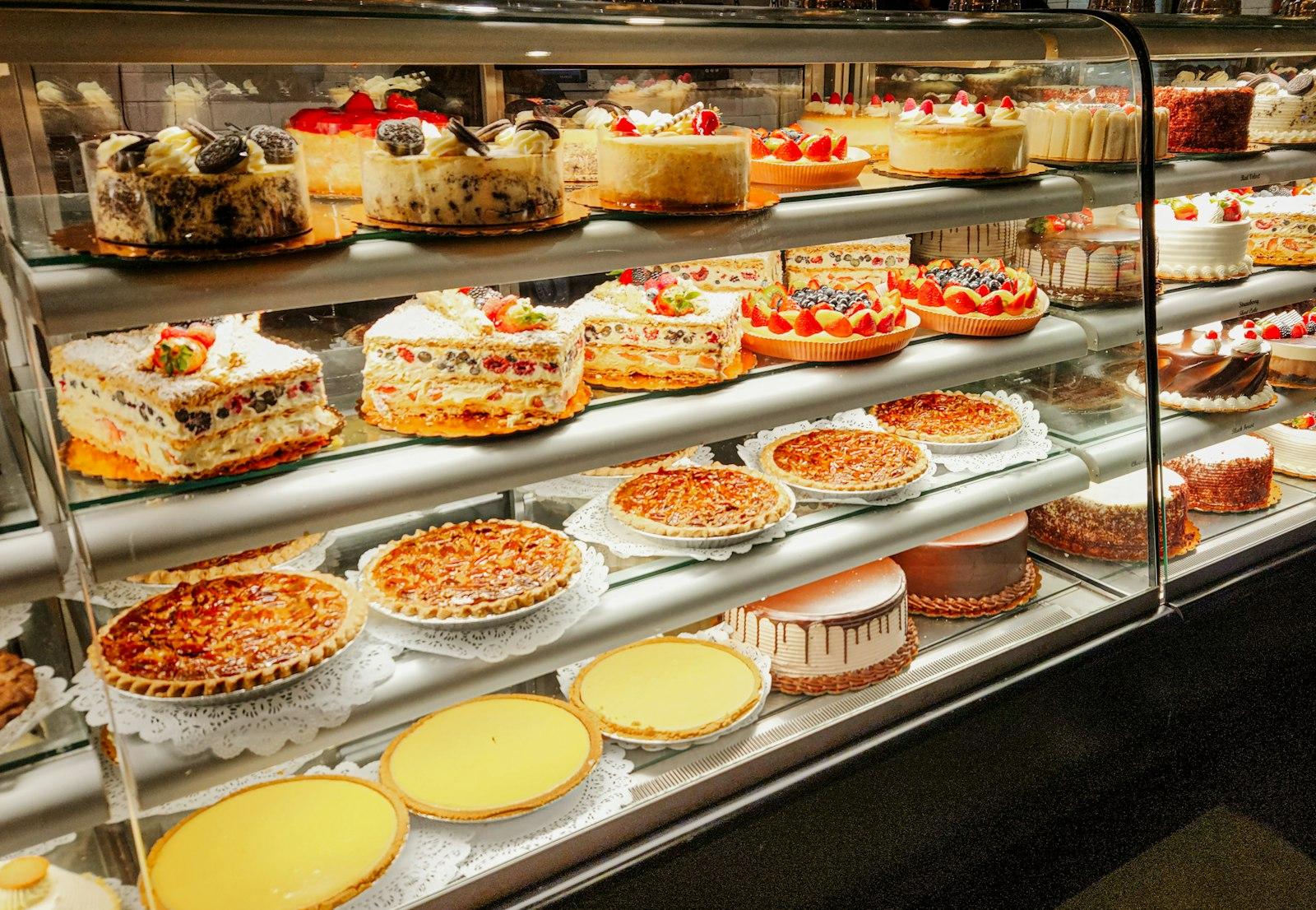
Guests choose a venue largely with their eyes. So show real photos: the dishes that are actually on the menu, the dining room in the evening, the Schanigarten (pavement seating) or the terrace in summer, the team. A well-lit phone photo of your dish of the day looks more credible than a perfect stock photo that regulars immediately recognise as foreign. For the home page, a professional shoot that captures all rooms and the most important dishes once is still worth it. How to combine tradition and new images in a relaunch without putting off regulars is shown in the guide to modernising a traditional inn.
- Dishes: signature dishes, seasonal specials, desserts, drinks or cocktails.
- Rooms: dining room, bar, snug, private room for parties, garden or terrace.
- People: kitchen and service staff, with their consent.
- Details: a laid table, the wine list, the entrance from outside so guests recognise it.
- Alt texts: a short description of every image helps screen readers and Google.
Events, parties and gift vouchers
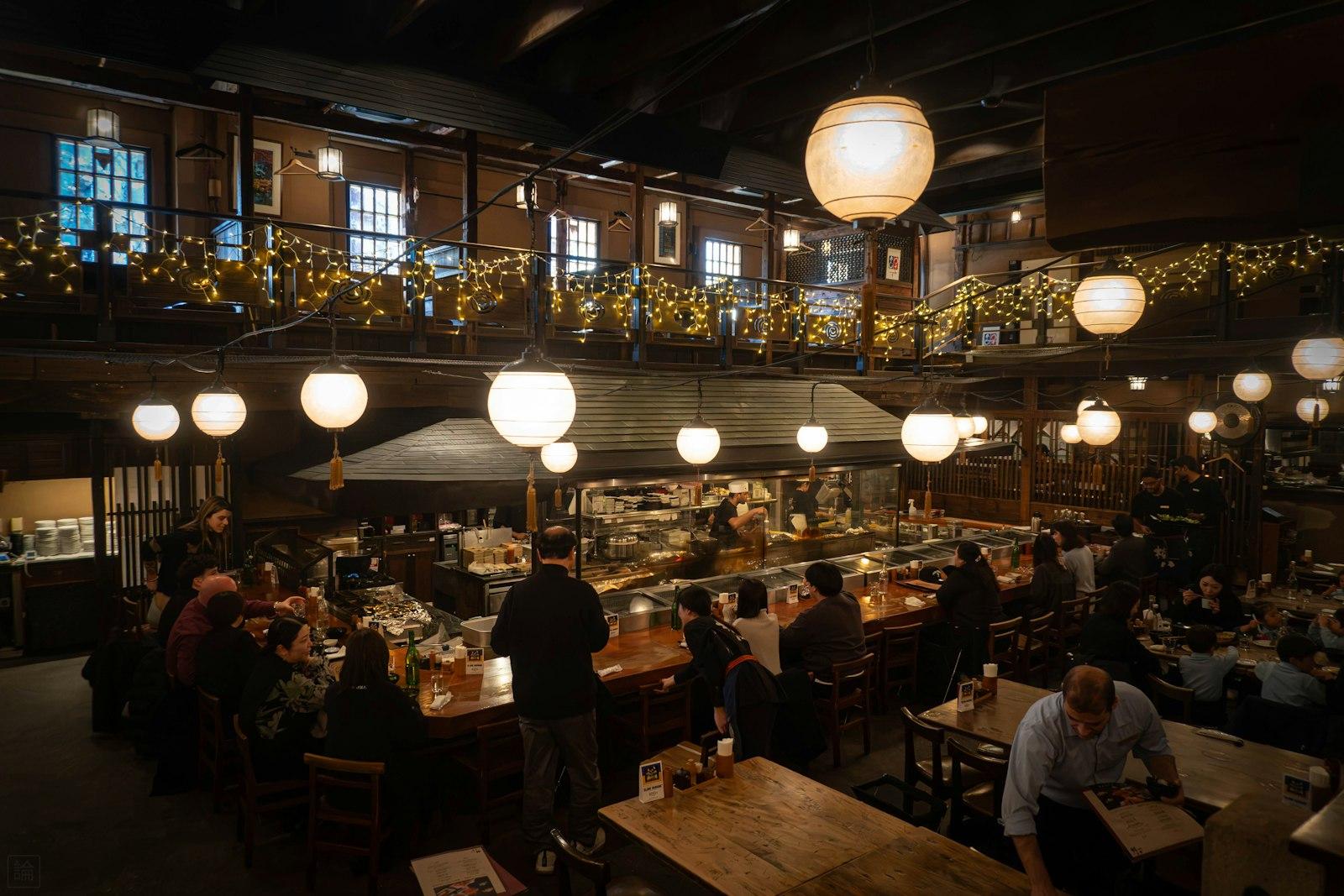
Many venues earn a good share of their revenue from occasions: Christmas parties, birthdays, christenings, company dinners, weddings, St Martin's goose or asparagus weeks, live music, quiz nights. These guests plan weeks ahead and compare online. A dedicated page for groups and parties with room sizes, menu suggestions, a price range and a direct contact answers the standard questions before the enquiry arrives.
Events should be on the website with date, time and a short description, not only on Instagram. That way guests also find them through Google, and you can share the link anywhere. Gift vouchers are an underrated source of revenue, especially before Christmas and Mother's Day. A section explaining how to get them, in the venue, by phone or through an online shop, is enough to start with. Print-ready vouchers to sell in the venue are easy to design with the free gift voucher generator. A catering business presents its packages and delivery area at this point.
A careers page against the staff shortage
Good cooks, service staff and apprentices are hard to find across the whole industry. Many applicants look at the website first before getting in touch. A careers page shows who you are, which positions are open, what the working hours look like and what you offer: staff meals, split shifts or not, how tips are handled, training, accommodation during the season. A transparent tip rule, for example by hours or points worked out with the tip pool calculator, is a real selling point here. A short way to apply, for example by email or WhatsApp, lowers the barrier. How to set up the jobs page, the job ad and Google for Jobs is covered in the guide hiring staff through your own website.
Legal notice, privacy and languages
Every business website needs a legal notice (Impressum). In Austria the required details come mainly from § 5 E-Commerce-Gesetz, § 25 Mediengesetz, § 14 Unternehmensgesetzbuch and § 63 Gewerbeordnung (the e-commerce, media, commercial code and trade regulations), in Germany mainly from § 5 Digitale-Dienste-Gesetz (Digital Services Act). What exactly belongs in it is explained in the guides to the legal notice for Austria and Germany; you can create a draft with our legal notice generator.
On top of that comes a privacy policy under Art. 13 GDPR as soon as you process personal data, for example through a reservation form, embedded maps, videos or analytics tools. The fewer third-party services your website loads, the shorter it gets and the more likely you can do without a cookie banner. For online orders and bookings, the accessibility laws may also apply; details are in the guides for Austria and Germany.
Languages: in cities, ski resorts, by the lakes and in wine regions, many guests come from abroad. An English version of the key pages, meaning home page, menu, opening hours and directions, is a must there. Depending on your location, Italian, Czech, Hungarian, Dutch or other languages pay off. Translate the menu with care: “Tafelspitz” or “Kaiserschmarrn” can stay, but they need a short explanation.
Plan the home page
Opening hours, main button, address and a strong photo above the first scroll.
Set up the menu as text
Keep dishes, prices and allergens in one place, with a PDF as an extra at most.
Add occasions
Groups, parties, events, gift vouchers: each with a way to get in touch.
Show your team and jobs
A careers page with open positions and a short way to apply.
Check the mandatory pages
Link the legal notice and privacy policy in the footer of every page.
Align and translate
Align website, Google profile and platforms, key pages in English.
Your website with all this content, as a free preview
We build a preview of your hospitality website with opening hours, menu and reservation button. Free and with no obligation.
A free preview of your venue website, designed by us.
Checklist for your hospitality website
This content should be online
- Opening hours with live status, kitchen hours, day off and holiday closures
- Menu as text with prices and allergen labelling
- One main button: book, order, reserve a room or call
- Address as text, route, parking, public transport and accessibility notes
- Real photos of dishes, rooms and team, with alt texts
- Events with date and time
- Page for groups and parties with room sizes and contact
- Gift vouchers and how to get them
- Careers page with open positions (with salary details in Austria)
- Legal notice and privacy policy linked on every page
- English version of the key pages
- The same details on the website, Google profile and platforms
- Loading time on phones under three seconds
What such a website costs, and whether to build it yourself or have it built, is covered in the guide What does a restaurant website cost?. How to become visible in Google and Google Maps with this content is explained in the post on local SEO for hospitality. Examples of finished sites by venue type are in the example websites.
Format your opening hours properly
Create consistent opening hours for your website, door and Google, including text for a public holiday post.