Key points at a glance
- The primary category is the most important setting: it determines which searches your venue appears in. Choose it as precisely as possible.
- Attributes such as outdoor seating, vegan dishes or a wheelchair-accessible entrance help guests choose and Google classify you.
- A menu, real photos and booking or ordering links turn the profile into a direct route to the table.
- Special hours for public holidays prevent disappointed guests. For longer closures there is the temporarily closed setting.
- Reviews affect visibility. Ask for them actively, but without anything in return, and reply to every review.
This post is general information and does not replace legal or tax advice. Rules change and some differ between federal states: check the details with your chamber of commerce (WKO) or IHK, the competent authority or your tax adviser.
Why the profile matters so much
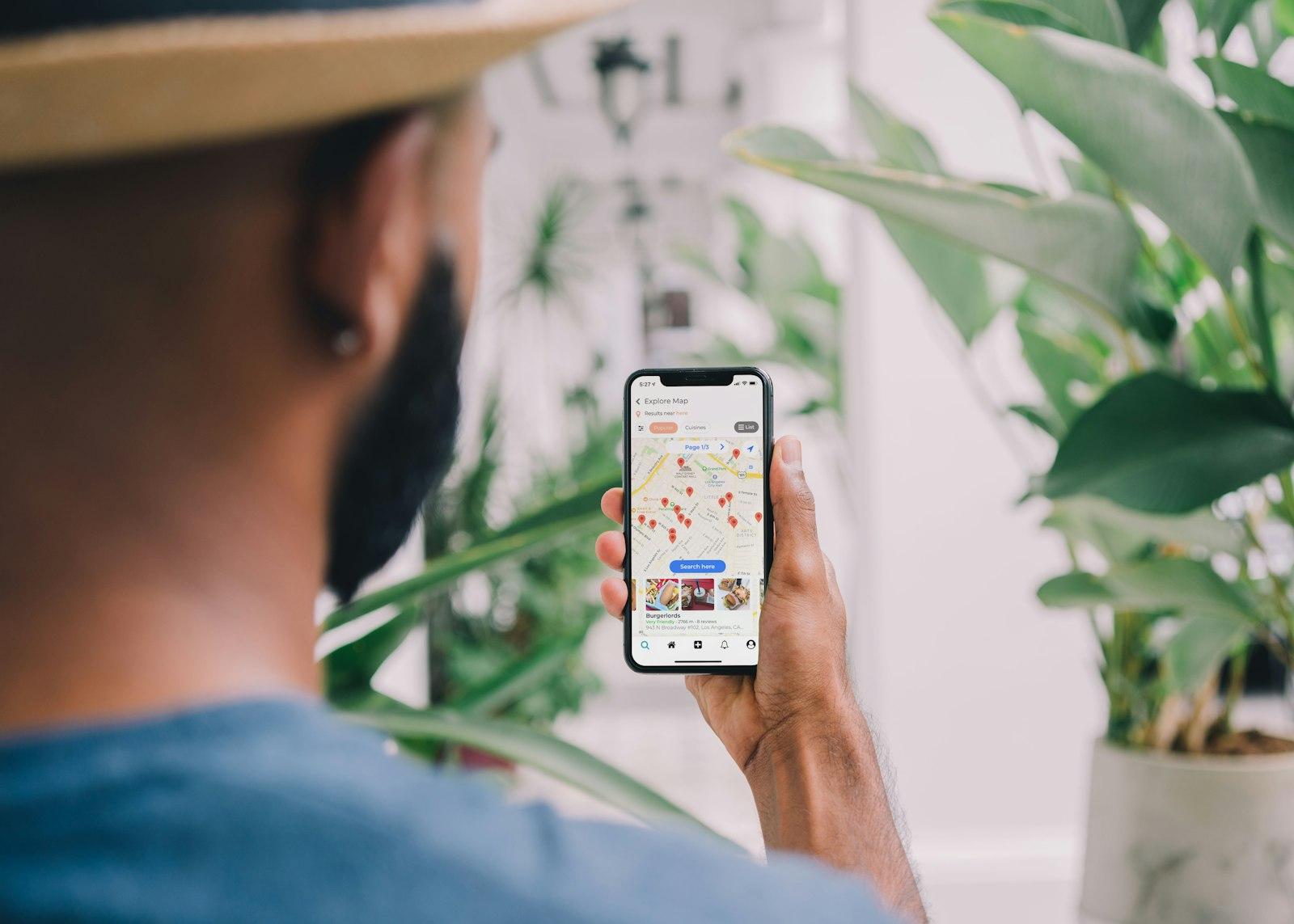
When someone searches for “restaurant near me” or “breakfast Innsbruck”, Google first shows a map with a few venues. What appears there comes from the business profiles: name, stars, photos, opening hours, price level, buttons for calling, directions and booking. Many guests decide right there without ever opening your website. According to Google, local ranking depends mainly on three factors: relevance (does the profile match the search?), distance and prominence, which includes reviews and links. You cannot pay for a better ranking.
So the profile works together with your website, not instead of it. The website provides the details and your own booking or ordering route, the profile provides visibility. How the two work together is explained in the guide to local SEO for hospitality.
Claiming the profile and choosing categories
Many venues already have a profile because guests or Google created it. Look up your venue in Google Maps and select “Own this business?” or “Claim this business”. Google then asks for verification, for example by video, phone or email; Google decides which methods are offered. After a change of ownership, you should take over the profile immediately so the previous owner no longer has access.
Primary category
As precise as possible: a specific cuisine or type of venue rather than just “Restaurant”.
Additional categories
Add what else applies, such as café and patisserie or bar and restaurant. No more than is true.
Name as on the sign
The name in the profile matches the real name of the venue, without extra search terms.
Address and service area
The address exactly as on the website. Caterers without a dining room enter a service area and hide the address.
Phone and website
The number that actually gets answered, and the home page of your website.
For a hotel, some profile features are different, such as details on amenities and room rates through booking partners. If the hotel has a restaurant that outside guests also visit, a separate profile for the restaurant can make sense.
Attributes: outdoor seating, vegan, accessible
Attributes are small pieces of extra information that Google shows in the profile and uses for search. Which ones are available depends on the category and the country. For hospitality, these groups are particularly important:
- Outdoor seating: the Schanigarten (pavement seating), the terrace or the beer garden, a strong search criterion in summer.
- Offerings: vegetarian and vegan dishes, kids' menu, lunch menu, breakfast, cocktails, wine.
- Accessibility: wheelchair-accessible entrance, accessible toilet, seating for wheelchair users.
- Service: delivery, pickup, table reservations, contactless payment, card payment.
- Who it is for: family-friendly, good for groups, dog-friendly.
Menu and photos
Hospitality businesses can create a menu with sections, dishes, descriptions and prices in the profile, using the menu editor. Alternatively, link to your online menu. According to its help pages, Google can also take menu data from your website; that works much better with a menu as text than with a PDF. Why is explained in the guide to the digital menu.
Photos are the strongest lever in the profile. Upload new images regularly: dishes, drinks, dining room, garden, the outside with the entrance, the team. Guests upload photos too, often poorly lit. With good photos of your own, you help shape the first impression.

Booking and ordering links
In the profile you can add links for table reservations, food orders and pickup and delivery, up to ten per category, and set a preferred link. In addition, links from partners Google works with appear, such as reservation systems or delivery platforms. For food orders, according to its help pages, Google shows your own website first if there is one, or your preferred provider.
Check these links regularly. Platforms you no longer work with should disappear; Google requires providers to delete removed links within a few days. Which booking route suits you is covered in the guide to online reservations, and how to combine a platform with your own shop in the post on delivery platforms.
Opening hours, public holidays and holiday closures
Nothing annoys guests more than a venue that is open according to Google and actually closed. In addition to regular opening hours, the profile has special hours for public holidays and exceptions. Google recommends them for temporary changes or closures of up to six consecutive days. A single entry covers at most 24 hours; if you are open past midnight, split the time across two days. From seven days, for example during a holiday closure, mark the venue as temporarily closed.
- Enter public holidays in advance: Christmas, New Year's Eve, Easter, Whitsun, regional holidays. Even if nothing changes, you can confirm the hours.
- More hours for the kitchen, breakfast, happy hour, pickup or delivery entered separately if they differ.
- Seasonal businesses such as mountain huts, beach bars or Heurige update in good time before the season starts.
- The same everywhere: website, door, Tripadvisor, platforms.
- Permanent changes such as a new closing day belong in the regular hours, not in special hours. How to calculate and announce them is explained in the guide to adding a closing day and cutting opening hours.
Opening hours and a holiday post in one step
Create consistent opening hours for your website and door and a ready-made text for your Google post on public holidays or holiday closures.
Posts and guest questions
With posts you show in the profile what is happening right now: the new lunch menu, goose weeks, a concert, changed hours at Christmas, a gift voucher promotion. Posts with a photo and a clear button, such as “Book” or “Learn more”, work best. One or two posts a month are enough to keep the profile lively.
Google has been phasing out the classic Questions and Answers feature, in which guests ask questions publicly and others answer, since the end of 2025. In some regions it is being replaced by an AI feature that compiles answers from the profile, reviews and website. That makes it all the more important that the most common questions are answered on your website and in the profile: Are dogs allowed? High chairs? Parking? Gluten-free pizza? The clearer this information, the better the answers Google and AI assistants give about you. What your venue might look like in an AI chatbot's answer is shown by the AI preview.
Collecting and replying to reviews
According to Google, the number and quality of reviews affect prominence and thus local ranking. You may actively ask guests for a review, for example with a QR code on the table or the bill. According to Google's policies, it is forbidden to offer something in return such as discounts or free drinks, to selectively ask only happy guests, and to have staff or acquaintances write reviews. Guests must also not be pressured into reviewing while still in the venue.
How to get it right
- Ask all guests equally for an honest review
- Reply to every review, friendly and specific
- Take criticism calmly and show what you are changing
- A QR code for reviews on the bill or a table stand
Better not
- A free dessert or a discount for a review
- Ask only regulars who are sure to give five stars
- Have your team or family write reviews
- Reply to negative reviews irritably or with guest data
More on handling reviews, including unfair ones, is in the guide to Google reviews. You can create a free QR code that leads straight to the review form with the review QR code.
Keeping profile and website in line
Google compares the details in the profile with your website and other sources on the web. If name, address, phone number and opening hours match everywhere, that strengthens trust in your data. Contradictions lead Google to change details itself or adopt suggestions from users. So check your profile regularly for changes you did not make yourself.
Google Business Profile checklist
- Profile claimed and verified, access for at least two people in the business
- Primary category as precise as possible, suitable additional categories
- Name, address and phone exactly as on the website
- Attributes complete and correct, including accessibility
- Menu in the profile or a link to the online menu
- Current photos of dishes, rooms, the outside and the team
- Booking and ordering links checked, preferred link set
- Special hours entered for the next public holidays
- One or two posts per month
- Every review answered
Website and Google profile in perfect harmony
We build your website to match your Google profile: the same details, the same links, the menu as text. The preview is free.
A free preview of your venue website, designed by us.