
Key points at a glance
- Ask actively, but ask all guests equally: with a QR code on a table card, the bill folder or the receipt, and a short sentence as they leave.
- Reply to every review, especially negative ones: factual, personal, without revealing guest data. It is mainly future guests who read the reply.
- Bought, invented or rewarded reviews are banned under the UWG (Act Against Unfair Competition) and break the policies of Google and Tripadvisor.
- If you show reviews on your own website, you must state whether and how you check that they come from real guests (§ 5b Abs. 3 UWG in Germany, § 2 Abs. 6b UWG in Austria).
- Unlawful reviews, for example without a real visit or with insults, can be reported to the platform and, if necessary, removed through legal action.
This post is general information and does not replace legal or tax advice. Rules change and some differ between federal states: check the details with your chamber of commerce (WKO) or IHK, the competent authority or your tax adviser.
Why reviews matter so much for venues
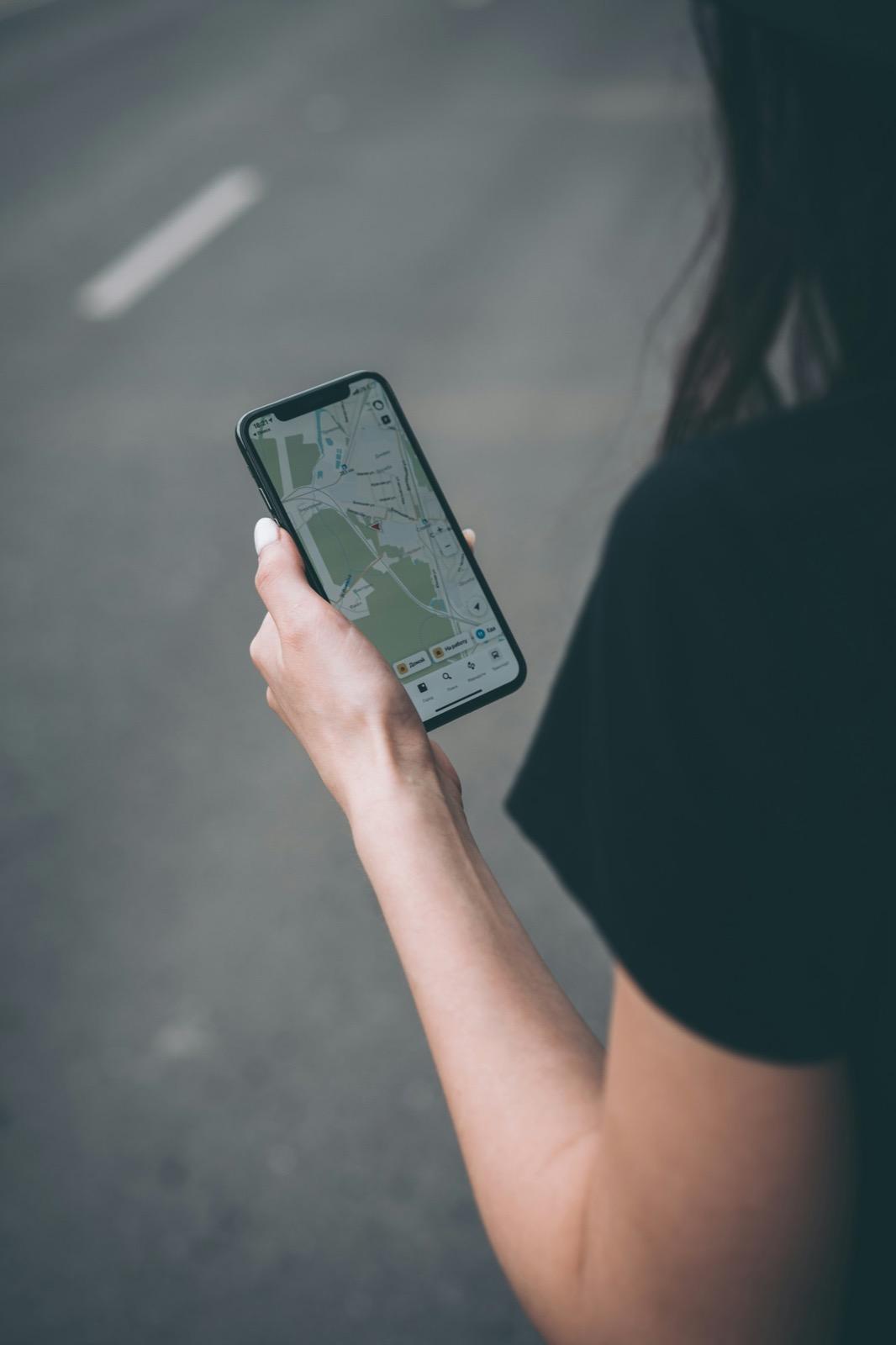
For hospitality, reviews are more than image care. Anyone searching for “restaurant near me” on a phone first sees stars, the number of reviews and photos in Google Maps. According to Google, the number and rating of reviews feed into a listing's prominence, one of the three factors for local ranking alongside relevance and distance. A venue with 4.6 stars from 400 reviews looks more reliable than one with 5.0 stars from seven. And many guests deliberately read the bad reviews to see how the house responds.
The basis for this is a well-maintained Google Business Profile with correct opening hours, photos and a link to the menu. How to set it up is covered in the guide to the Google Business Profile; how reviews, website and profile work together is explained in the guide to local SEO for hospitality.
How to ask guests for reviews
Most happy guests do not leave a review because it does not occur to them. Unhappy ones, on the other hand, write on their own. So if you do not ask, you get a skewed picture. Google expressly allows you to ask guests for a review with a link or QR code, as long as you offer nothing in return and do not target only happy guests.
Get the review link
In your Google Business Profile, under “Ask for reviews”, you will find a short link that opens the review window directly.
Create a QR code
With our free review QR code generator you turn it into a QR code with a print template.
Place it visibly
On table cards, in the bill folder, on the receipt, at the cloakroom, in hotel rooms and on the takeaway bag.
Ask in person
One sentence at the till works better than any sign: “If you enjoyed it, we would be delighted with a review on Google.”
Follow up digitally
After an online booking or a hotel stay, a thank-you message can include the link, provided you have a legal basis for it under data protection law.
What matters is that you ask all guests equally. A preliminary “Were you happy? Yes leads to Google, No to the feedback form” is called review gating. Google forbids selectively asking guests for positive reviews or preventing negative ones. An internal feedback form still makes sense, just not as a filter in front of the Google link.
Replying to reviews: with examples
Replies show that your guests matter to you, and they are the only place where you can give your side of the story. Google recommends short, friendly and personal replies. Reply within a few days, sign with your name and avoid stock phrases that sound the same under every review.
| Review | Good reply (example) |
|---|---|
| 5 stars: “Best schnitzel in town, great service!” | “Thank you so much, our kitchen team is delighted! We will pass the praise on to Marko, who looked after you on Saturday. See you next time, Anna Berger” |
| 3 stars: “Food was good, but we waited 40 minutes.” | “Thank you for your honest feedback. On Friday evening the kitchen was overloaded, and we should have told you sooner. We have adjusted our processes for busy evenings and would be glad to see you again.” |
| 1 star: “Rude waitress, never again!” | “We are sorry you did not feel comfortable with us. That is not who we want to be. Please get in touch with me at info@… so I can understand what happened. Anna Berger, owner” |
| 1 star without text | “A pity you were not satisfied. If you tell us what we can do better, please feel free to contact us directly.” |
| 1 star, but no visit traceable | “We cannot find your visit in our reservations and receipts. Please get in touch so we can clear this up.” Then report the review to Google. |
How to get it right
- Say thank you, for criticism too
- Respond specifically to the content
- Admit mistakes, name a solution
- Offer a conversation outside the platform
- Sign with your name
Better not
- Expose guests, for example with details of their order, companions or bill
- Blame or defend staff members by full name
- Reply late at night while angry
- Offer discounts in return for a changed review
- Start every reply with the same sentence
What is banned: bought and rewarded reviews
The EU Omnibus Directive tightened the rules on consumer reviews in Austria and Germany. Both countries list fake reviews on the “blacklist” of the Gesetz gegen den unlauteren Wettbewerb (UWG, Act Against Unfair Competition), meaning among the business practices that are always unlawful. In Germany they are in the annex to § 3 Abs. 3 UWG (Nr. 23b and 23c), in Austria in the annex to the UWG.
- Bought reviews from agencies or review portals are banned, as is commissioning others to write them.
- Your own reviews from owners, family or team for your own venue break Google's conflict-of-interest policies and can be misleading.
- Rewards such as a free drink, a discount or a prize draw for a review are expressly prohibited by Google. Under the UWG it is also risky if such reviews appear as neutral guest opinions without a disclosure.
- Writing negative reviews about competitors, or having them written, is unfair and can also give rise to injunction and damages claims.
- “Buying off” reviews, for example compensating guests for changing or deleting a negative review, is also forbidden by Google.
If you show Google reviews on your website, use the official routes, such as a widget that loads the reviews through Google's interface, and keep to its terms of use. Do not copy texts as screenshots without a source, and do not pick only the five-star reviews without making that clear. A widget that loads data from Google also belongs in your privacy policy and, depending on how it is implemented, needs consent. What else a hospitality website should contain is covered in the guide Restaurant website content.
Having unlawful reviews removed
Not every unpleasant review is unlawful. Opinions such as “too expensive” or “the schnitzel was tough” are covered by freedom of expression, even if they are exaggerated. But you can act against reviews that break the law or the platform's policies.
| Case | What you can do |
|---|---|
| No traceable visit, review matches no guest | Report to Google; under the Digital Services Act the platform must examine reports; under German case law it must ask the author when guest contact is disputed |
| Insults, abuse, hate speech | Report as a policy violation; if needed, also through the form for legal complaints |
| False statement of fact (“rats in the kitchen”, “the venue was closed”) | Report, gather evidence (inspection reports, opening hours); if necessary, demand removal through a lawyer |
| Review by a former employee or competitor | Report as a conflict of interest; Google classifies such content as manipulated |
| Wave of one-star reviews without text | Report in the Business Profile; Google has its own protection mechanisms for this |
| Personal data of staff members | Report; data protection violations weigh heavily |
How to proceed
- Save a screenshot with the date and link of the review
- Check reservations, receipts and the staff rota to see whether a visit is traceable
- Reply publicly and factually, do not threaten
- Report the review in your Google Business Profile and track its status
- For a clear legal violation, use the form for legal complaints
- In stubborn cases, bring in a lawyer specialising in media or competition law
- Do not hire an agency that promises “guaranteed removal” without checking its method
Tripadvisor, platforms and reservation tools
For most venues, Google is the most important platform, but not the only one. Tripadvisor is relevant mainly for tourists, so for venues in city centres, holiday regions and ski resorts, and for hotels. Reservation tools such as TheFork, OpenTable or Quandoo collect their own reviews from guests who actually booked. That makes them especially credible. Delivery platforms such as Lieferando or Wolt show reviews of orders.
- Claim your profiles: take over your Tripadvisor profile so you can reply, upload photos and maintain opening hours.
- Same rules: Tripadvisor also bans bought and rewarded reviews and reviews from people with a conflict of interest.
- Same details: address, phone number and opening hours should match on every platform. Our opening hours generator helps with a consistent format.
- Not everything at once: focus your request for reviews on one or two platforms, otherwise you confuse guests.
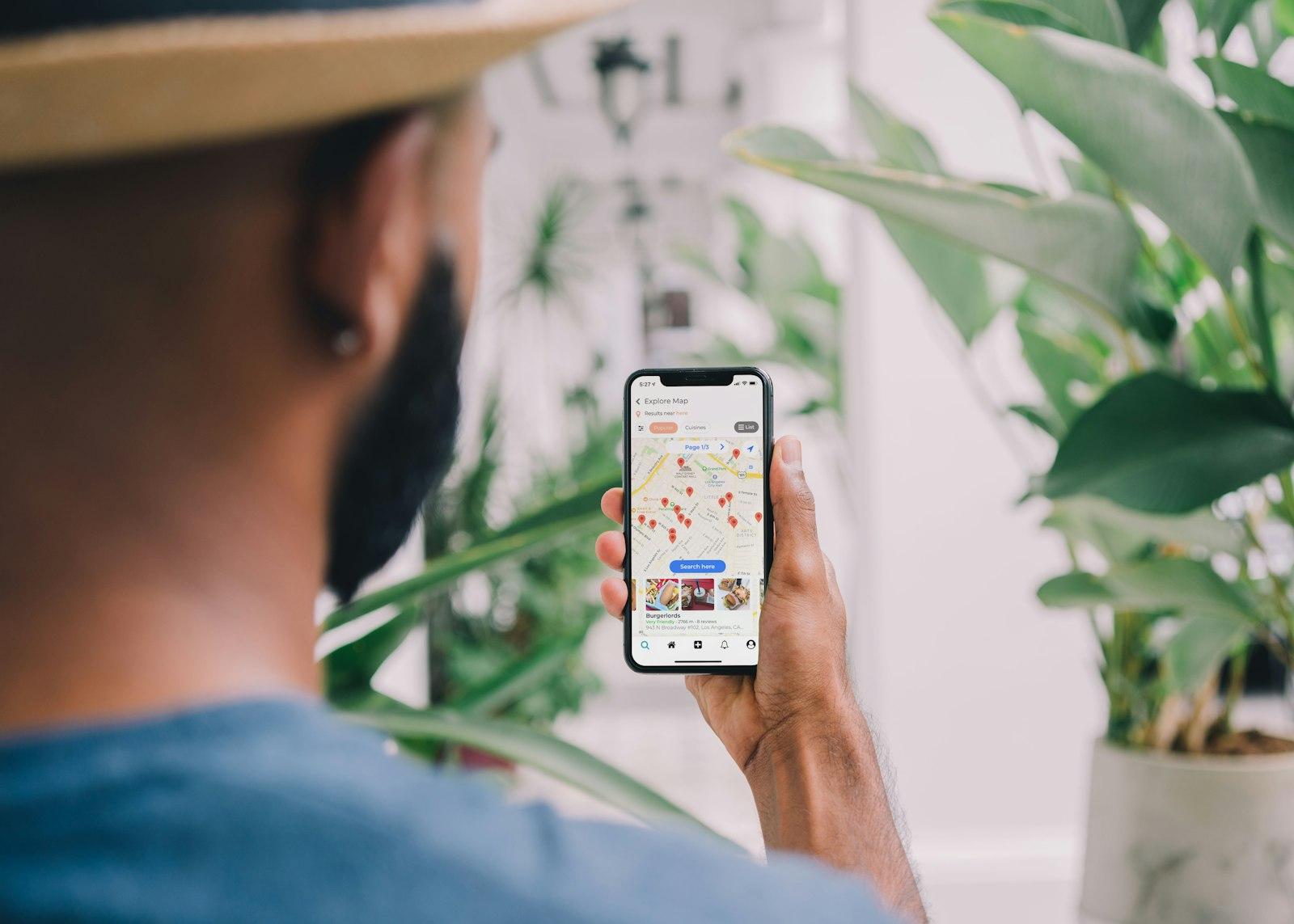
Guests who book online often receive an automatic review request from the tool after their visit. How to choose reservation systems and embed them on your website is covered in the guide to online reservations.
Training your team
Reviews are made at the table, not at the computer. Your service team decides whether a guest leaves happy and whether they remember to leave a review. So include the topic in onboarding and team meetings.
Short training for service and counter staff
- One consistent sentence with which all guests are asked equally for a review
- Where the QR codes are and that they are meant for all guests
- No promises like “a schnapps on the house for a review”
- No reviews of your own, not from friends or family either
- Take complaints on the spot seriously and pass them on to the shift manager
- Share positive reviews with names in the team, discuss negative ones without assigning blame
- Who replies to reviews: one responsible person, with a deputy
Create a review QR code for free
Turn your Google review link into a QR code with a print template for table cards, bill folders or the counter.
A website that turns reviews into reservations
Menu as text, a reservation button, Google reviews with the correct verification notice: see a free preview for your venue.
A free preview of your venue website, designed by us.