Key points at a glance
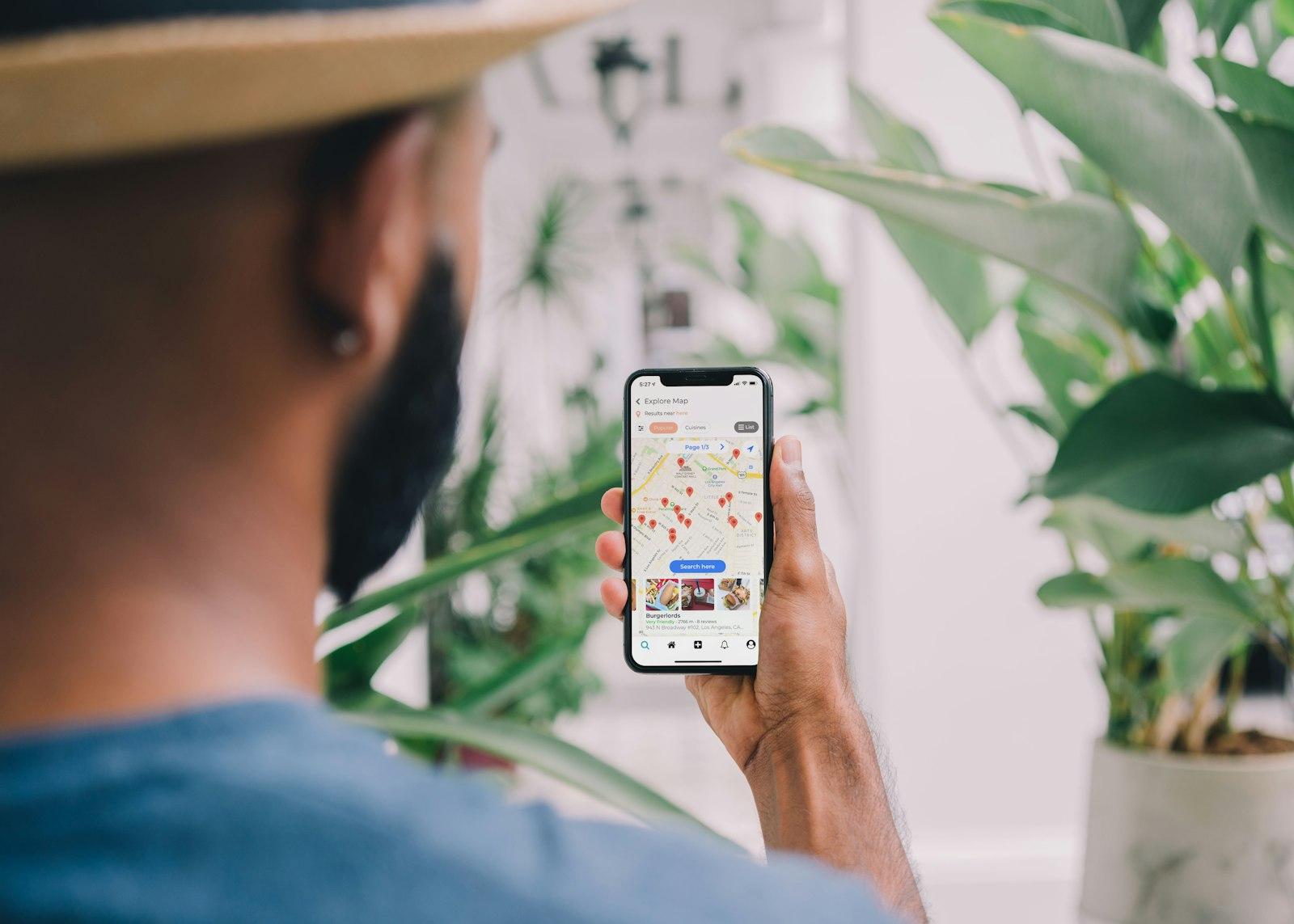
- Apple Maps comes preinstalled on every iPhone. Your listing appears there, but also in Siri, Safari and the home screen search.
- Since April 2026 you manage the listing for free through Apple Business, which replaced Apple Business Connect. Existing data was carried over.
- A good place card needs a cover photo, a logo, photo albums, accurate opening hours and a fitting action such as Reserve or Order.
- With showcases you feature an offer, a promotion or an event right on the listing for a limited time. Allow a few working days for Apple's review.
- Keep Apple Maps, Google, Bing Places and your website in sync: same name, same address, same hours.
This post is general information and does not replace legal or tax advice. Rules change and some differ between federal states: check the details with your chamber of commerce (WKO) or IHK, the competent authority or your tax adviser.
Why Apple Maps matters for your venue
In Austria and Germany a large share of your guests use an iPhone. On these devices Apple Maps is the default map app: anyone who taps an address in a message, asks Siri for “pizza near me” or swipes down on the home screen and types “breakfast” often ends up there rather than in Google Maps. According to Apple, place cards in Apple Maps are viewed billions of times every month.
The problem: many venues only look after their Google Business Profile and leave Apple Maps to chance. Then it shows old opening hours, a guest's photo from 2019 or the name of the previous tenant. A guest standing in front of a locked door rarely blames Apple; they blame you. Claiming the listing takes about an hour once, and keeping it up to date only a few minutes a month.
Claim and verify your listing
Your venue is usually already in Apple Maps, because Apple gets data from partners and other sources. Claim that listing instead of creating a new one, otherwise you end up with duplicates. To sign up you need an Apple Account; you do not need your own iPhone, as everything also works in the browser on a computer.
Sign in to Apple Business
Sign in at business.apple.com with an Apple Account, ideally using a business email address that a second person can also access.
Set up your company
Enter the name and details of your business. With the first location, Apple verifies your company, which can take a few working days.
Find and add your location
Go to Company, Locations and Add, search for your address and select the matching listing. Only create a new one if none exists.
Verify by phone call
For existing listings Apple calls the phone number on record and gives you a four-digit code to enter. So the number must be correct and answered.
Check the map pin
Is the marker exactly on your entrance? It is worth moving it, especially for venues in courtyards, arcades or on large sites.
If someone else already manages the location, such as the previous owner or an agency, Apple lets you request a transfer. The review takes up to five working days. New venues can create a listing marked “Opening soon” before they open, at most six months in advance.
Fill in the place card completely
The place card is what guests see when they tap your venue in Apple Maps. At the top are the name, category, distance and ratings, below that a row of buttons: Directions, Call, Website and, in fourth position, an action such as Reserve or Order. Further down come photos, opening hours and the “Good to Know” section with features such as outdoor seating, delivery or card payment.
| Field | What matters |
|---|---|
| Name | Exactly as on your sign and website, without extra search terms |
| Category | As precise as possible, such as pizzeria, café or cocktail bar instead of just restaurant |
| Address and pin | Identical to your website and Google profile, pin on the entrance |
| Phone | The number that is actually answered at the venue |
| Website | Your home page or a matching subpage, not a platform |
| Opening hours | Regular and holiday hours, separate hours for kitchen or breakfast if needed |
| Features | Only what is true: outdoor seating, vegan, step-free, dog-friendly |
Apple reviews every change before it goes live. So do not expect a new phone number to be visible within an hour. If guests report errors, such as “permanently closed”, Apple may also correct the card itself. Check regularly that your listing still matches your own details.
Cover photo, logo and photo albums
In Apple Maps, just as on Google, photos decide the first impression. The cover photo and logo belong together: Apple only shows them as a pair, so you need to upload both. Below them appear gallery photos, which Apple sorts into albums such as Atmosphere, Exterior, Food & Drink or Menu. Upload several pictures for each album so that random photos from other sources do not set the tone.
- Cover photo: the strongest impression of your venue, such as the dining room in the evening, the garden or your signature dish. No text in the image.
- Logo: clean, square, on a calm background.
- Exterior: the entrance with your sign, so guests recognise you in the street.
- Food & drink: real dishes from your kitchen, shot in daylight or good light.
- Menu: a clearly legible photo, ideally plus a link to the menu on your website.
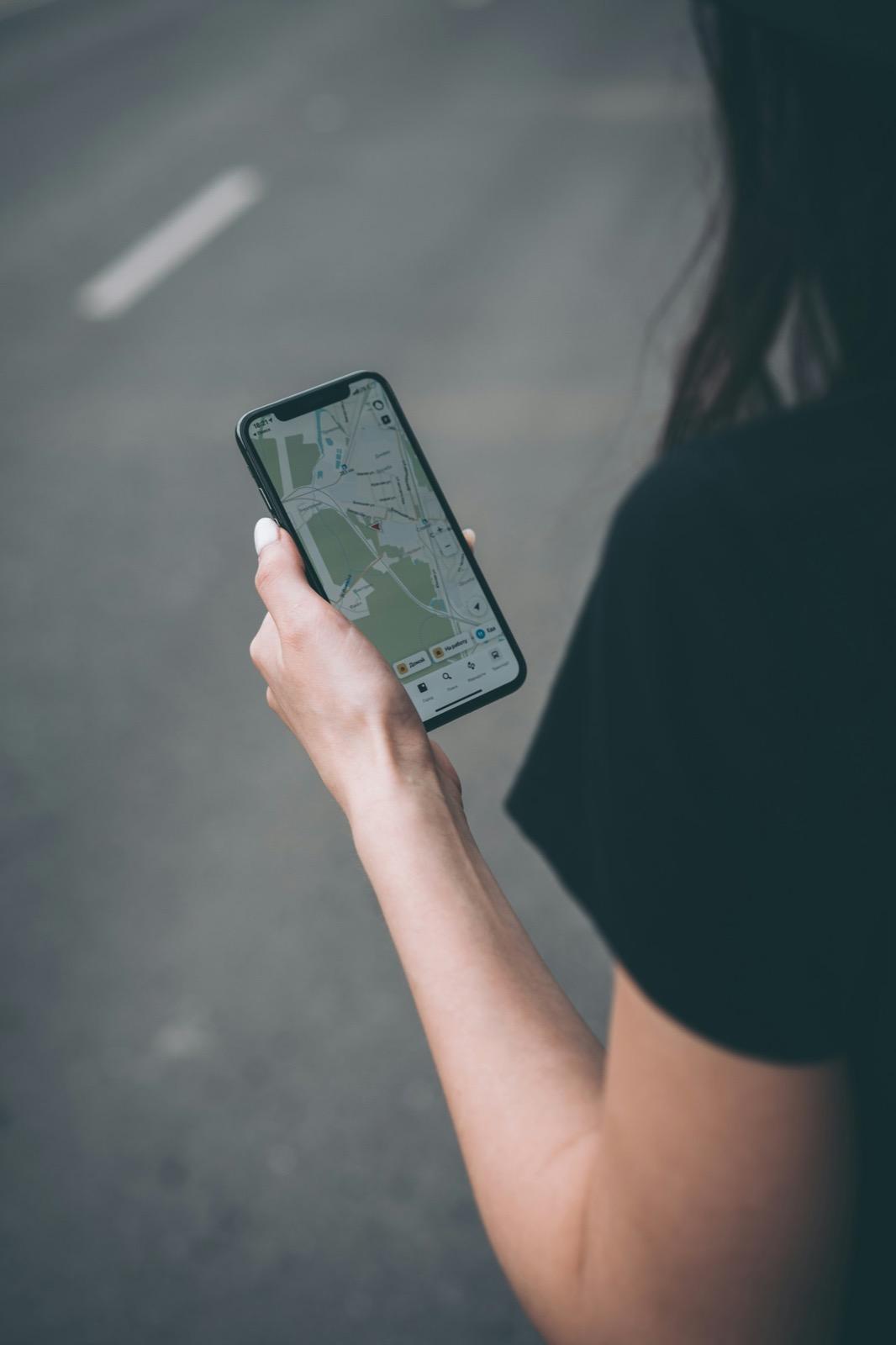
How to take appetising photos with your phone is explained in the guide to food photography. You can use the same pictures for your website, Google profile and Apple Maps.
Showcases and actions
Showcases are small promotional spaces right on your place card. A showcase consists of a headline, a short text, a photo and a button. Use it to feature your autumn goose weeks, the new lunch menu, a Sunday brunch, a concert or gift vouchers before Christmas. According to Apple, one showcase can be active per location at a time; it runs for one to 365 days and can be ended at any time. Because Apple reviews every showcase, submit it at least three working days before it starts.
Actions are the buttons that let guests do something directly: book a table, order food, buy tickets. Many booking and ordering systems are integrated with Apple as partners and appear automatically. You can also add your own links, for example to the booking page or online shop on your own website, and choose which action comes first. Which booking route suits you is explained in the guide to online reservations.
How to get it right
- Choose an action that fits the venue: Reserve for a restaurant, Order for a takeaway
- Point to your own website if booking or ordering runs there
- Use showcases for specific, time-limited offers
- Align the showcase start and end dates with your website
Better not
- Links to platforms you no longer work with
- Generic slogans without an actual offer in the showcase
- Submitting the showcase the day before and hoping for approval
- Promoting an offer the kitchen knows nothing about
Opening hours, holidays and seasons
Wrong opening hours are the most common annoyance with map listings. In Apple Business you enter regular hours and special hours for public holidays or seasonal changes. Because these are reviewed too, Apple's partner guide recommends scheduling special hours at least five working days in advance. So do not leave the holidays until 23 December.
Dates to keep an eye on during the year
- Christmas, New Year's Eve and New Year's Day
- Easter, Whitsun and regional public holidays in your state
- Company holidays in summer or winter
- Start and end of the season for a garden, mountain hut, beach bar or Heuriger
- Different hours for the kitchen, breakfast or lunch menu
- Events when you close earlier or stay open longer
Write your opening hours once, properly
Create consistent opening hours and a text for public holidays or company holidays that you can use on your website, door, Google and Apple Maps.
Ratings and insights
Ratings in Apple Maps come from two directions: Apple users can rate places with a thumbs up or down and upload photos, and depending on the country Apple also shows reviews from partners such as Tripadvisor or Yelp. One more reason to look after your listing there too; more on that in the guide to Tripadvisor and restaurant guides. You reply to partner reviews on the respective platform. How to ask for reviews fairly and deal with criticism is covered in the guide to reviews.
In the Insights section, Apple Business shows how guests find your venue: how often it appears in search, how often the place card is opened and which buttons are tapped, such as Directions, Call or Reserve. That way you can see, for example, whether a showcase brought in more bookings. According to Apple, paid ads in Apple Maps are only available in the US and Canada for now, so for venues in Austria and Germany the listing remains purely a matter of upkeep.
In brief: Bing Places
With Bing Places for Business, Microsoft runs a similar directory that is also free. The data appears in Bing search, Bing Maps and Microsoft services such as Copilot. The effort is small: Bing Places can import a verified Google Business Profile, and the verification is often carried over. Afterwards, check that category, opening hours and photos came through correctly. Other directories worth your time are listed in the guide to business directories.
The same principle applies to every service: name, address, phone number and opening hours match your website everywhere. Search engines and AI assistants compare this data, and contradictions cost trust. Test whether AI assistants recommend your venue with the right details in the free AI chatbot preview. How this ties in with visibility in AI search and how everything fits together in local SEO is explained in the respective guides.
Checklist for Apple Maps and Bing Places
- Location claimed in Apple Business and verified by phone call
- Access for at least two people at the venue
- Name, address, phone and website exactly as on your own website
- Map pin on the entrance
- Cover photo and logo uploaded, several photos per album
- Special hours for the next holidays entered at least five working days ahead
- Fitting action set, old platform links removed
- Showcase planned for the next offer
- Bing Places imported from the Google profile and checked
One website that every listing points to
Apple Maps, Google and Bing send guests to your website. We build it so that menu, opening hours and booking are easy to find right away. The preview is free.
A free preview of your venue website, designed by us.