Key points at a glance
- The Registrierkassenpflicht under § 131b BAO (Bundesabgabenordnung, federal fiscal code) applies as soon as a business has more than 15,000 € annual turnover, of which more than 7,500 € in cash sales. Card payments on site count as cash sales.
- The obligation to issue receipts under § 132a BAO applies from the very first cash sale, even without the register obligation. Since 1 October 2026, electronic receipts have become much easier.
- Every register needs a security device with a signature creation unit that is registered in FinanzOnline (the tax authority's online portal). The start receipt and annual receipt are checked with the BMF Belegcheck app.
- Exemptions such as the "Kalte-Hände-Regelung" (cold hands rule, since 2026 up to 45,000 € net) only cover outdoor sales, mountain huts, small Buschenschanken and club festivities.
- Orders paid online are not cash sales. But if you take cash or card payments on pickup or delivery, you need a register and receipt for them.
This post is general information and does not replace legal or tax advice. Rules change and some differ between federal states: check the details with your chamber of commerce (WKO) or IHK, the competent authority or your tax adviser.
Who in hospitality needs a cash register
The Registrierkassenpflicht is set out in § 131b Bundesabgabenordnung (BAO). It requires cash sales to be recorded individually with an electronic cash register, a POS system or another electronic recording system. Two thresholds must be exceeded at the same time: annual turnover of 15,000 € per business and cash sales of more than 7,500 € a year. Both amounts are net, i.e. excluding VAT.
For hospitality, what counts as "cash" is crucial. The law includes not just notes and coins but explicitly also payments by debit or credit card, cash cheques and vouchers or tokens you issue yourself and accept instead of money. A café where almost all guests pay with their phone at the terminal therefore still has mostly cash sales. Practically every restaurant, bar and café with regular operations quickly exceeds the thresholds.
| Topic | Rule | Legal basis |
|---|---|---|
| Turnover limits | More than 15,000 € annual turnover per business and more than 7,500 € cash sales (net) | § 131b (1) no. 2 BAO |
| What counts as cash | Cash, debit and credit cards, cash cheques, your own vouchers and tokens | § 131b (1) no. 3 BAO |
| Start of the obligation | From the beginning of the fourth month after the VAT return period in which the thresholds were first exceeded | § 131b (3) BAO |
| End of the obligation | From the next calendar year, if the thresholds are no longer exceeded and this is also foreseeable for the future | § 131b (3) BAO |
| Issuing receipts | From the first cash sale, regardless of the register obligation | § 132a BAO |
| Tamper protection | Technical security device with signature or seal, details in the RKSV | § 131b (2) BAO, RKSV |
An example: you open an Imbiss in February and exceed both thresholds in March. If you file your VAT return monthly, the register obligation starts on 1 July. Until then you still have to record every cash sale individually and issue receipts, for example from a numbered receipt book (Paragonblock). In practice, most venues start with a register right away, because switching during operations is more work. How the register fits into the rest of the founding process is described in the guide Starting a hospitality business in Austria.
Obligation to issue receipts: what has to be on the receipt
Regardless of the register, the obligation to issue receipts under § 132a BAO applies from the first cash sale. You must create the receipt and offer it to the guest. The guest is supposed to accept the receipt and take it outside the venue so that inspections are possible, but you cannot force them to. You keep a copy or electronic copy for seven years.
- Clear name of your business
- Consecutive number that uniquely identifies the transaction
- Date the receipt was issued
- Quantity and usual trade name of the food and drinks
- Amount paid, broken down by VAT rate
- For registers with a security device, also: register ID, date and time and a machine-readable code (usually a QR code)
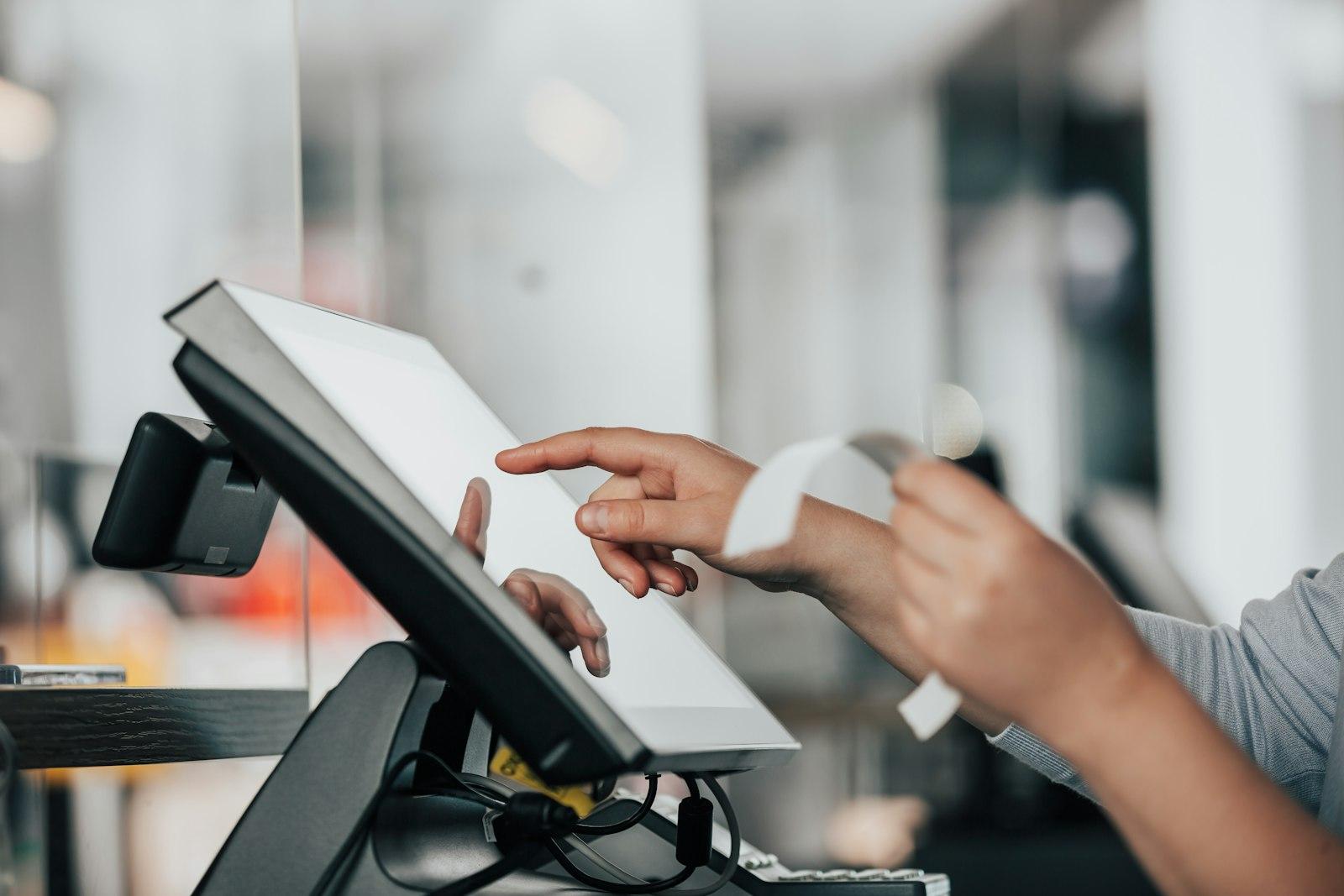
For venues with a lot of walk-in trade this is a real relief: less paper, fewer receipts on the floor in front of the counter. Ask your POS provider which options it supports, for example a QR code on the customer display or sending by email for guests who booked a table.

Security device, start receipt and annual receipt
Since 1 April 2017, every cash register must be protected against tampering by a technical security device (§ 131b (2) BAO and the Registrierkassensicherheitsverordnung, RKSV, the cash register security regulation). Every cash sale is chained with an electronic signature or seal, so later changes stand out. The signature comes from a signature or seal creation unit: a smartcard, a USB module or an online service from a trust service provider. Your receipts carry the proof in their QR code.
Get a signature creation unit
Usually through your POS provider, as a card, module or cloud solution.
Register in FinanzOnline
The signature creation unit and the register are reported via FinanzOnline or your POS manufacturer's interface. According to the BMF guide, no later than one week after you start using them.
Create the start receipt
The register creates a receipt for 0 € that starts the chain of receipts.
Check the start receipt
With the BMF Belegcheck app you scan the QR code and confirm with the authentication code from FinanzOnline. A green tick shows that everything is correct.
Create monthly receipts
At the end of every month, the register creates a monthly receipt that secures the turnover counter in the chain of receipts.
Check the annual receipt
The monthly receipt for December is also the annual receipt. It must be checked by 15 February of the following year at the latest, again with the Belegcheck app.
Exemptions and simplifications
The Barumsatzverordnung (cash sales regulation) provides for some exemptions. They are narrower than many people think and usually only apply to part of the turnover. The thresholds were raised on 1 January 2026.
| Exemption | Requirements | What does not apply |
|---|---|---|
| Outdoor sales ("Kalte Hände", cold hands) | Sales door to door or on public roads and squares, not in fully enclosed premises; up to 45,000 € net a year (until 2025: 30,000 €). The limit only applies to the outdoor sales. | Register and receipt for these sales; daily takings by counting the cash |
| Alpine, mountain, ski and refuge huts | Annual turnover up to 45,000 € net | Register, individual recording and receipt |
| Buschenschank | At most 14 opening days a year and annual turnover up to 45,000 € net (limit for the whole business) | Register, individual recording and receipt |
| Canteens of non-profit associations | Up to 45,000 € net, at most 52 operating days a year | Register, individual recording and receipt |
| Small festivities of associations and public bodies | Certain festivities of eligible bodies, such as fire brigade or sports festivals | Register and receipt |
| Vending machines | Goods and service machines up to 20 € per individual sale | Register and receipt; simplified calculation of takings |
The cold hands rule may fit a chestnut stand at the Christmas market. It usually does not fit a sausage stand, a kiosk or a food truck, because sales there are made from enclosed premises. Clarify borderline cases in advance with your tax adviser or the tax office. Anyone who serves regularly, including a Heuriger with more than 14 opening days, needs a regular register. What else applies to a Heuriger is covered in the guide Opening a Heuriger and Buschenschank.
For sales outside the business premises there is a simplification for so-called mobile groups: you may issue a handwritten receipt on site and enter the sale in the register without undue delay after returning, provided you keep a copy. Whether this fits your catering or your own delivery service is something to clarify with your tax adviser. A mobile register app on your phone that signs directly on site is usually simpler.
Tips, register failure and penalties
Tips
Tips that guests voluntarily give to staff are not business turnover and are tax-free for employees under the conditions of § 3 (1) no. 16a EStG (income tax act). If the guest pays the tip by card, however, it goes through your account. Many POS systems therefore book it as a separate item outside turnover, so that daily takings and the payout to the team remain traceable. A fair split within the team by hours, points or roles is handled by the free tip pool calculator. Tips you receive yourself as the owner, on the other hand, are business income. For social insurance, a nationwide flat-rate tip allowance (Trinkgeldpauschale) has applied since 1 January 2026 to businesses in the Fachverbände Gastronomie and Hotellerie (the hospitality and hotel trade associations): in 2026 it is 65 € a month with cash handling (Inkasso) and 45 € without, with increases in the following years. How exactly to book card tips is best agreed with your tax adviser.
If the register fails
- The register fails completely (power, hardware): issue receipts by hand from the receipt book, keep the copy, enter the sales in the register after the repair.
- Only the signature creation unit fails: the register keeps working, and receipts carry a note about the failure.
- Failure lasting more than 48 hours: according to the BMF guide, report it within one week via FinanzOnline, and the same for putting it back into operation.
- New register or new signature card: register again, create and check a start receipt.
Penalties
Anyone who does not use a cash register despite the obligation, or runs a register without a security device, commits a fiscal administrative offence under § 51 (1) lit. c FinStrG (fiscal penal code), which can be fined up to 5,000 €. The bigger risk comes on top: if the records are not kept properly, the tax office may estimate the tax base. Anyone who deliberately manipulates register data risks fiscal criminal proceedings for tax evasion with much higher penalties.
How to get it right
- Set up and register the till before opening and check the start receipt
- Keep monthly receipts and check the annual receipt in time by 15 February
- Keep a receipt book at hand for failures
- Record card tips as a separate item
- Train the team: every sale goes into the register, every guest is offered a receipt
Better not
- Pour drinks "on call" and type them in later in one go
- Apply the cold hands rule to the Schanigarten (outdoor seating) or the snack van
- Ignore a failure of the signature creation unit for days
- Book cancellations without a reason
- Handle online orders paid in cash on pickup without the register
Online ordering, website and cash register
Many venues now take orders via their own website, an app or delivery platforms. For tax purposes, the payment method decides, not the ordering channel. According to the WKO, payments by online banking, PayPal or credit card on the internet are not cash sales. A web shop where payment is made exclusively online is therefore exempt from the register obligation. The sales still have to be recorded in full, though, and here too the guest receives a receipt or invoice.
| Situation | Cash sale? | What you need |
|---|---|---|
| Ordered online, paid online, picked up | No | Records and receipt or invoice from the shop |
| Ordered online, paid in cash or by card on pickup | Yes | Cash register and receipt as in the venue |
| Own delivery, payment at the door by card or cash | Yes | Mobile register or the simplification for sales outside the premises |
| Order via delivery platform, paid online through the platform | Usually no | Keep the platform's statement |
| Voucher sold online, redeemed in the venue | Redeeming your own vouchers counts as cash payment | Book the redemption through the register |
For your website, this means: an order or pickup form without online payment just moves the register transaction into the venue. With online payment you save time at the counter, but you have to bring shop and register together properly. Which ordering channels pay off for your venue and what platforms cost is compared in the guide to delivery platforms and your own online ordering. The same principle applies to table reservations with a deposit or no-show fee; details are in the guide to online reservations.
Prices belong together too: what is on the website should match the register and the menu in the venue. Differences annoy guests and stand out during inspections. How to label prices correctly is explained in the guide to price labelling in Austria.
Menu, prices and order button on one website
We build your hospitality website with the menu as text, opening hours and an order or reservation button. First, see a free preview for your venue.
A free preview of your venue website, designed by us.
Checklist: register ready for opening
Before the first guest
- POS system with RKSV-compliant security device chosen (stationary, tablet or phone app)
- Signature or seal creation unit and register registered in FinanzOnline
- Start receipt created and checked with the BMF Belegcheck app
- Items set up with the correct VAT rates for food and drinks
- Tips set up as a separate item, payout to the team arranged
- Electronic receipt (display, email, app) and paper receipt on request tested
- Receipt book ready for failures, procedure for failure reports written down
- Online orders and vouchers aligned with the register
- Date for the annual receipt (15 February at the latest) entered in the calendar
A QR code for your menu
Create a free QR code and table stand that leads straight to your online menu.