Key points at a glance
- Lunch guests have little time and a fixed budget: plan menu, workflows and price for a break of 30 to 60 minutes.
- A weekly menu with only a few dishes (soup, two or three mains, one of them vegetarian) is easy to plan and lowers food cost.
- Speed is created in preparation: mise en place, fixed stations, short paths and quick payment.
- Cost every dish on its own and factor drinks, dessert and takeaway into the average bill.
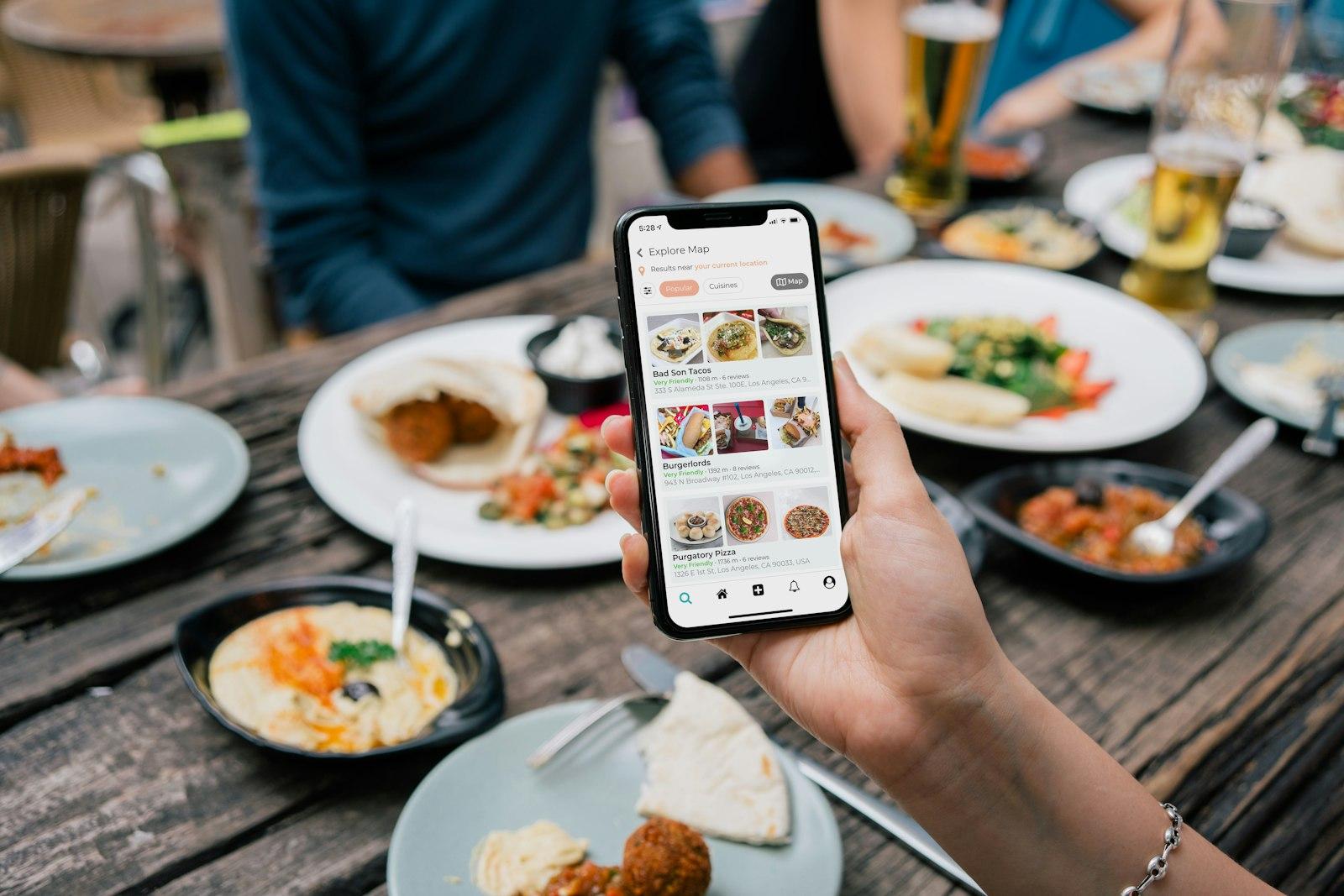
- The menu goes online every Monday: as text on your website, as a post on your Google profile, in your WhatsApp status and on Instagram.
This post is general information and does not replace legal or tax advice. Rules change and some differ between federal states: check the details with your chamber of commerce (WKO) or IHK, the competent authority or your tax adviser.
Who are you cooking for at lunchtime?
The typical lunch guest comes from a nearby office, practice, shop or workshop. They have a fixed break, want to be full without feeling sluggish and want to know in advance what is on offer and what it costs. If you understand that, you will not plan lunch as a smaller version of your dinner menu but as a product of its own, with its own rules.
Take a close look at your surroundings: how many workplaces are within a five to ten minute walk? Is there a canteen, bakeries with lunch snacks, takeaways or a supermarket with a salad bar? Ask regulars, neighbouring businesses and building managers. A few conversations often show whether people want quick plates, an affordable set menu or a more upmarket business lunch.
- Offices and administration: fixed break times, often groups of three to eight who arrive together and want to pay separately.
- Trades and building sites: early lunch, big portions, little time, often takeaway.
- Practices, shops and shift workers: irregular breaks, so pre-ordering for pickup is especially popular.
- Older guests and local residents: more time, value home cooking and a regular table, a real opportunity for traditional inns.
Planning the weekly menu
A weekly menu is the best compromise for kitchen and guests alike: the kitchen can buy and prep ahead, and guests can see on Monday which day their favourite dish is on. A fixed framework that you fill with new dishes every week works well. If you change two dishes a day and keep one or two classics permanently, you get variety and still have reliable planning.
| Component | Example | Why |
|---|---|---|
| Soup or small salad | Soup of the day, green salad with pumpkin seed oil or vinaigrette | Served fast, bridges the wait, ideal as part of a set menu |
| Meat or fish | Goulash, roast pork, chicken curry, fish fillet | The classic many guests judge your lunch by |
| Vegetarian or vegan | Lentil dal, cheese spaetzle, vegetable lasagne, bowl | Belongs on every lunch menu today and wins over whole office groups |
| Permanent classic | Schnitzel, burger, large salad with chicken breast | For everyone who does not want to try something new |
| Small dessert | Slice of cake, mousse, fruit salad | Raises the bill and is easy to prepare ahead |
Plan the week with leftovers and purchasing in mind: Tuesday's roast can become Thursday's hash, vegetables from the dinner menu can turn into soup. Seasonal produce makes the menu cheaper and more varied. Remember allergen labelling too: it applies to daily specials just as much as to the standard menu. The rules for Austria are explained in the guide Allergens in Austria, the rules for Germany in Allergens in Germany.
Speed of service: keep the break in mind
Someone with a 45 minute break wants to be eating after ten minutes at the latest and to have paid after half an hour. At lunchtime, speed is not an extra but part of the product. It does not come from rushing around but from preparation and clear workflows.
Mise en place in the morning
Pre-cook components, finish sauces and soups, portion side dishes. During the rush you only finish and plate.
Fixed stations in the kitchen
One person for soup and salad, one for hot dishes, one for the pass and checks. Everyone knows what to do without asking.
Take orders straight away
The menu is already on the table or clearly visible on the board. Drinks and soup arrive right after ordering.
Reset tables quickly
Clear and relay in one go, with cutlery and napkins ready at the station.
Payment without waiting
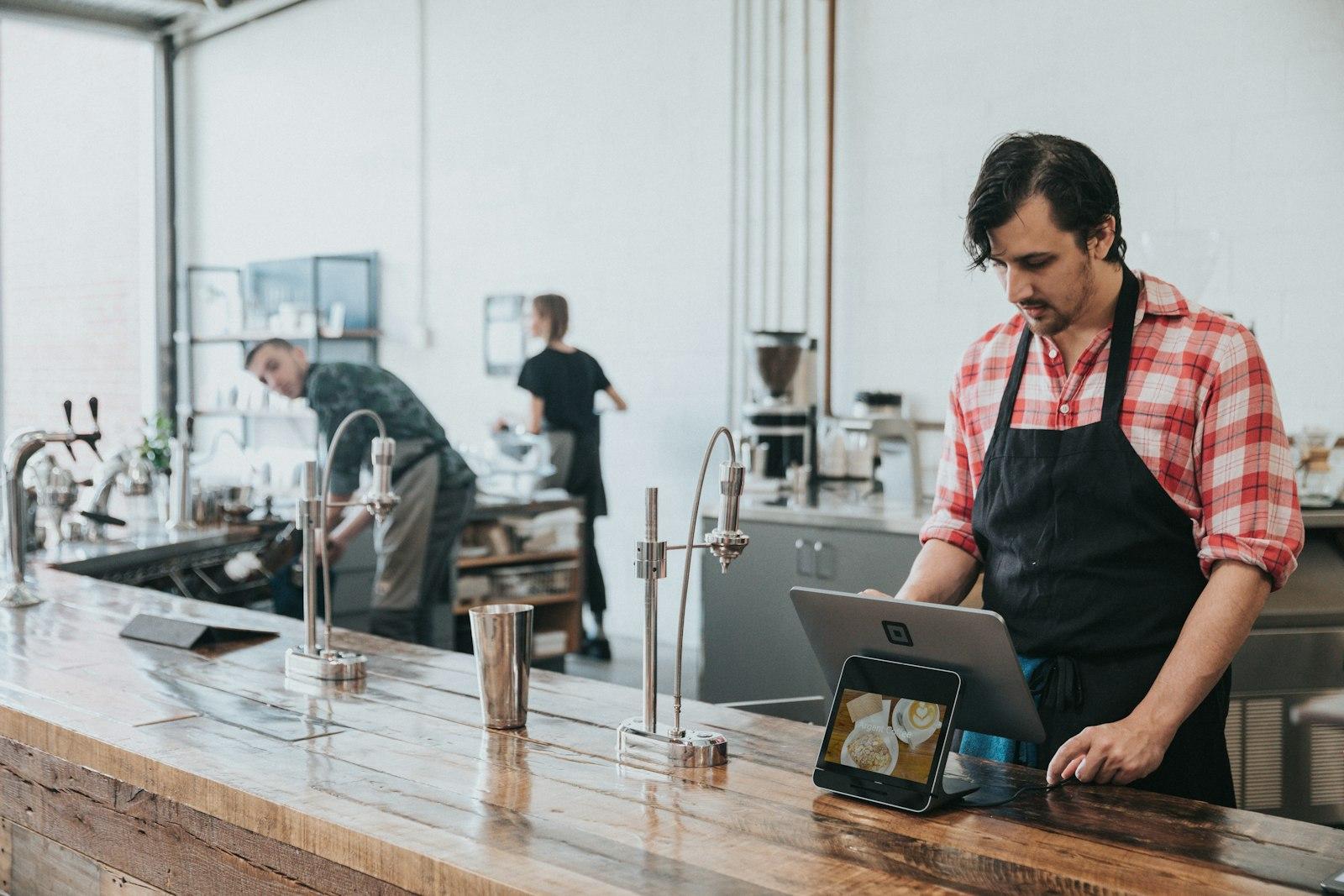
Mobile card terminal at the table, card payment, separate bills without discussion. Many guests want to pay right after eating, so offer it proactively.
Group bookings help as well: if the office next door comes at 12:15 with six people, the kitchen can ask for their order in advance. Some venues offer an express plate, such as a main course and a drink within a guaranteed few minutes. Only promise that if you can keep the promise every single day.
Costing the lunch menu
Lunch guests compare prices closely, and competition from canteens, bakeries and supermarkets is strong. Even so, every dish has to make its contribution. The most common mistake is a set price based on gut feeling or on what the place next door charges. Instead, cost each dish individually, with a recipe and real purchase prices.
| Item | What to watch |
|---|---|
| Food cost per portion | Recipe with weights in grams, current purchase prices, include waste and leftovers |
| Staff | Extra hours for prep and the rush, also on slow days |
| Fixed costs | Rent, energy and equipment run anyway; lunch should carry at least part of them |
| Drinks and dessert | Raise the average bill noticeably and often have a better margin than the main course |
| Takeaway packaging | Containers, lids, cutlery and bags belong in the price of the takeaway dish |
| VAT | Menu prices are always final prices; the VAT rates for food and drinks differ |
A set menu of soup and main course can look cheaper than both items separately and still increase revenue per guest. A fixed drink in the menu, such as a glass of water with lemon or a house juice, creates one clear price that guests remember. How to calculate food cost, markups and contribution margin properly is explained in the guide Costing your dishes. The menu price calculator works out the selling price of each dish in seconds. If lunch still stays weak on certain weekdays, use the guide to closing days and shorter opening hours to check whether that shift pays off at all.
What should your lunch menu cost?
Enter the food cost, choose your target, done: the menu price calculator shows the selling price including VAT for Austria and Germany.
Sharing the weekly menu online
The best weekly menu is useless if it only appears on the chalkboard outside your door. Many lunch guests decide in the morning, at their desk or in a group chat, where to go. That is where your menu needs to show up. Set a fixed rhythm, for example every Monday by 10 am, and stick to it. Guests get used to it and start checking on their own.
| Channel | How to use it | Effort |
|---|---|---|
| Your own website | Weekly menu as text with prices and allergens, a dedicated “lunch menu” page that is easy to find for “lunch” plus your neighbourhood | A few minutes a week with a simple CMS |
| Google Business Profile | Post with a photo and a link to the weekly menu, lunch offer in the attributes and the menu | One post a week |
| Photo of the daily specials in the feed or in stories, weekly menu as a story highlight | One short photo a day | |
| Weekly menu in your status or via a channel or broadcast list for guests who have opted in; dishes can also go in the WhatsApp Business catalogue | Once a week | |
| In the venue | Board outside the door, notice, QR code on the table linking to the online menu | Once a week |
Your website is the source for every other channel: a link to the weekly menu fits into any post, story or message. A menu as text can be read by search engines, loads faster than a PDF and can be changed from your phone in a minute. How to set this up is shown in the guide to the digital menu. How posts on your Google profile work and what else you should keep up to date there is covered in the guide to the Google Business Profile. For orders and group enquiries by chat, take a look at the guide to WhatsApp Business.
Takeaway and pre-orders
Not every guest has time to sit down. If you also offer the lunch menu to take away, you reach tradespeople, practice teams and everyone who eats at their desk. Pickup with pre-ordering works best: the guest orders by a fixed time, collects at the time they chose and does not wait in line. The kitchen can prepare takeaway portions before the rush.
- Set an order cut-off: for example 11 am for pickup from 11:45, so the kitchen can plan.
- Simple ordering: a form on your website, a phone call or a WhatsApp message with name, dish and pickup time.
- Pickup area: a dedicated spot at the counter where orders are ready with names on them.
- Good packaging: leakproof, keeps food warm, soups separate from the main course, dressing on the side for salads.
- Check delivery: platforms bring reach but charge commission. Whether that pays off at lunchtime is compared in the guide to delivery platforms.
Common mistakes and how to avoid them
A lunch offer often needs a few weeks before word gets around. During that time, stay reliable on opening hours, quality and price. The free opening hours generator for door sign and Google helps you show your lunch hours identically everywhere. Most lunch offers do not fail because of the food but because of small things that annoy guests during their short break.
How to get it right
- Put the weekly menu online every Monday at the same time
- Few dishes, but consistently good and fast
- Cost every dish individually, including the set menu
- State lunch hours clearly on your Google profile and website
- Actively offer group bookings and pre-orders
Better not
- Post the weekly menu only as a photo or PDF
- Simply shrink the dinner menu for lunch
- Set prices based on the place next door
- Leave sold-out dishes online
- Make guests on their break wait for the bill
Lunch menu checklist
- Audience and competition within walking distance checked
- Weekly menu framework with a vegetarian option defined
- Recipes and prices costed for every dish
- Allergens labelled for all daily specials
- Mise en place and stations planned for the lunch rush
- Card payment and separate bills possible at the table
- Weekly menu as text on the website, linked from Google profile, Instagram and WhatsApp
- Takeaway with order cut-off, pickup area and suitable packaging
Your weekly menu online every Monday in a minute
See for free how your website could look with its own lunch menu page that you update yourself from your phone.
A free preview of your venue website, designed by us.
Sources
- VerpackDG § 60: reusable alternative for single-use plastic and cups
- VerpackDG § 61: relief for small businesses
- Google Business Profile Help: Create and manage posts
- Umweltbundesamt (German Environment Agency): Guide to the reusable packaging requirement
- Preisangabenverordnung, § 13 (restaurants, accommodation)